Concept 2024
Building an AI design tutor inside Figma
Details
- Industry:
- Design Tools, Education
- Duration:
- 6 weeks
- Role:
- UX Designer, Developer, Prototyper
- Team:
- Elise Kim, Rohina Ghandi, Michael Zaslavaskiy
Overview
Researched and prototyped innovative Figma tools for students, culminating in an AI-driven design tutor with on-demand, auto-generated exercises to enhance design skills.
Prompt
Figma Education offers a free student plan, but no features built for teaching
Right now, Figma Education is a free student plan and marketing tactics. It doesn’t actually have features catered towards educators or students.
THE BRIEF
How can we improve Figma’s Education Tools


User research
Identifying the problems professors and students face with Figma in class
We interviewed a range of professors and students to understand pain points they were experiencing in the classroom and with Figma.
Ideation
Rapid prototyping ways to address pain points across Figma’s ecosystem
Analyzed Figma's surfaces and prototyped ways we could address pain points in Figma's ecosystem.
Solution
Design Drills: Unlimited Design Practice with an AI Teacher's Assistant
Design Drills pairs on-demand practice frames with an AI teacher’s assistant across Figma’s surfaces, guiding students with feedback instead of handing them answers.
Figma AI Comment

Rohina
Just now
Hey FigmaAI can I get some font recs?

FigmaAI
Just now
Sure! Let me find some inspiration for you.
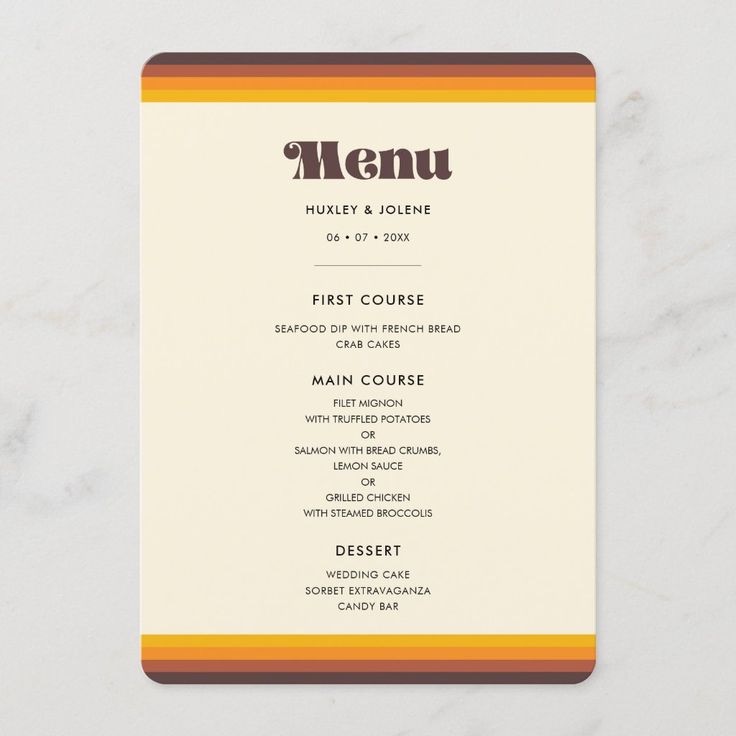
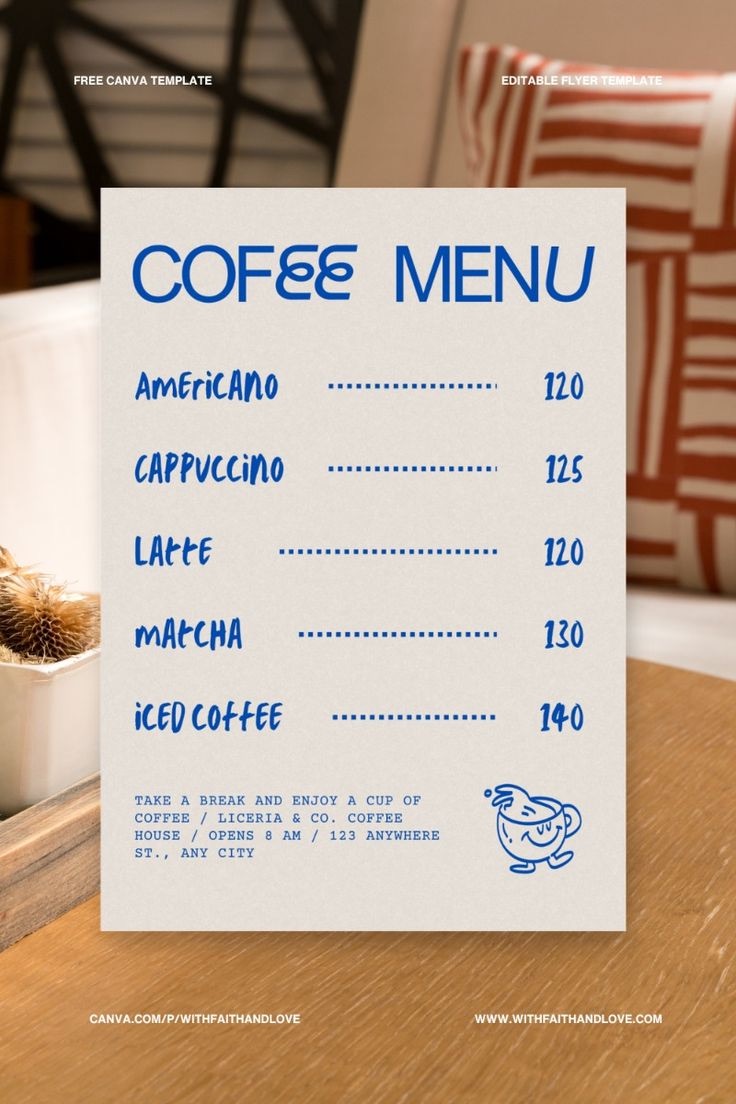
Love the style on the left. What are some some similar fonts?




Typography
Designing text visually
White Space
Intentional empty space
Hierarchy
Prioritized visual organization
Accessibility
Inclusive user experience
Contrast
Visible element distinction
Scale
Proportional size difference
h



Core feature
Drill Generator: a bad frame to redesign, by principle, level and exercise
Design Drills will generate a bad frame for you to redesign. You can choose between different design principles, level, and exercises.
Modalities
AI communication modalities: making Figma AI feel like a teammate
How we can guide users to improve their designs? We took Figma's surfaces and attached an AI teacher's assistant to make it feel like you're working with a teammate.
Modality one
AI Cursor: quick, contextual answers by selecting elements on your frames
Meant for quick questions with quick responses, the AI cursor gives contextual replies by selecting elements on your frames.
Modality two
AI Comments: add context to your ask and get inspiration and references
With AI Comments you can select content to contextualize your ask and use a surface that can generate inspiration and other references.
Modality three
AI Voice Call: watch a pro work through the process and pause to learn
We learn best when we see a pro go through the process and explain their reasoning. The AI call portrays that experience and lets you to stop and pause along the way, helping users learn at their own pace.
Modality four
AI History Log: review past conversations to learn through repetition
We don't learn in the moment. People learn through repetition and reflecting on past experiences. The AI log lets you review all your past conversations with Figma AI.
Key questions
How should the agent act to guide learning instead of giving answers?
To align this tool with education, we designed it to guide learning and support self-paced progress, rather than just spit out answers.
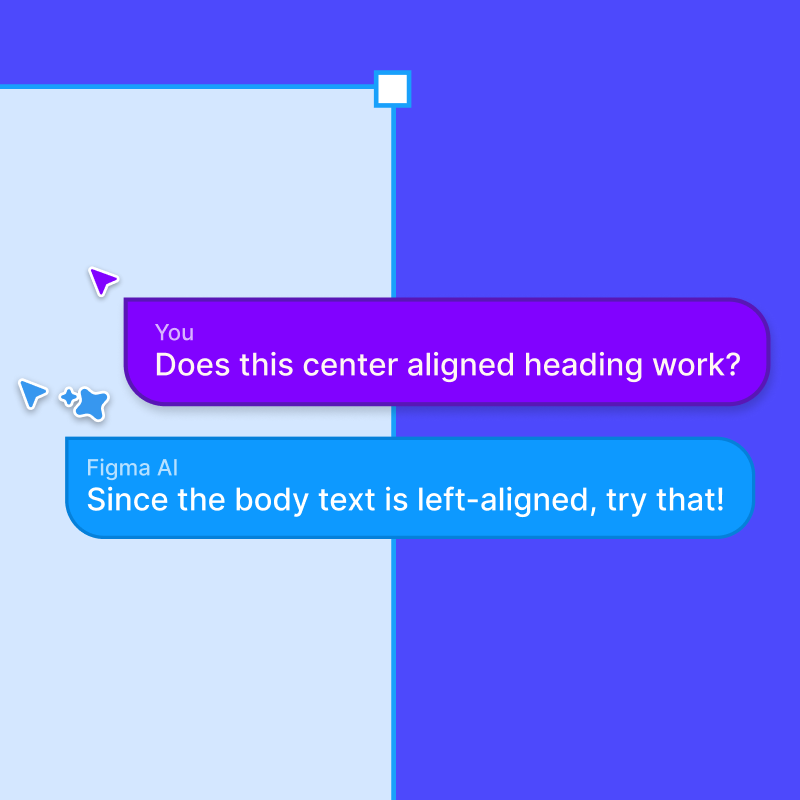
Guides first, designs last.
It nudges you toward an answer with questions and hints, and only designs for you when you're truly stuck.
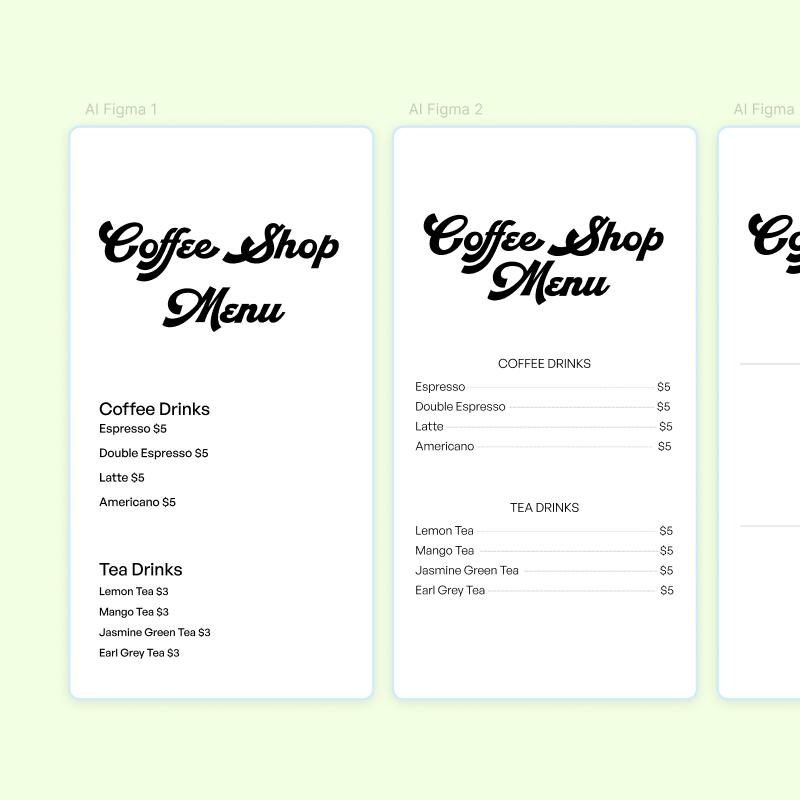
Options, not one answer.
It shows several directions side by side and breaks down how each was made, so you learn the process.
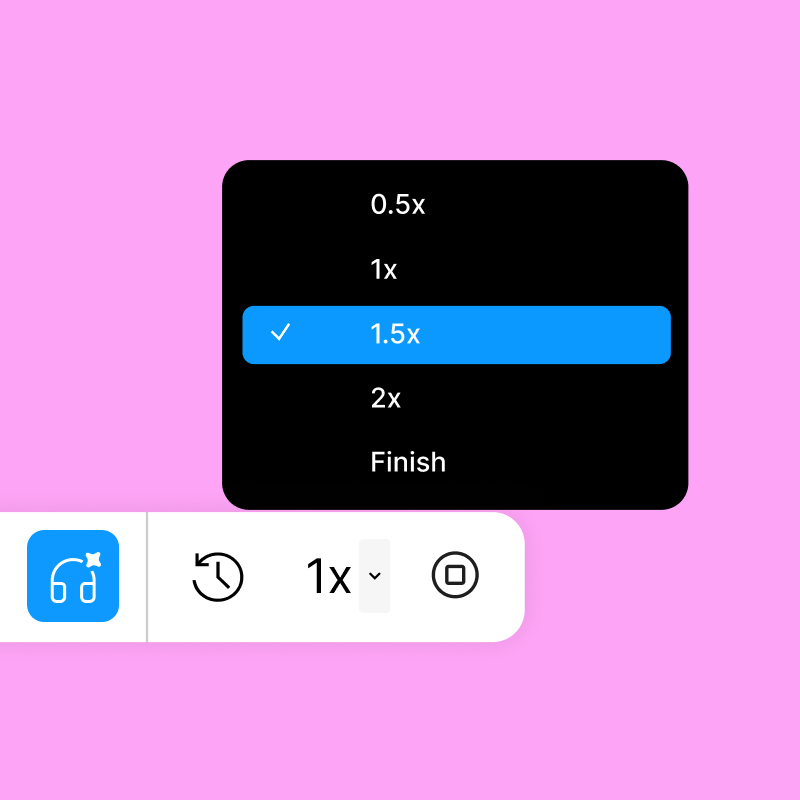
Learn at your own pace.
Slow the playback down or step back through changes to see how a design came together.
How do we give design feedback?
Rejecting solutions that hint at one answer, because design isn’t black and white
Design is not black and white. We were ideating design feedback solutions that hinted at one answer. We needed to pivot to using AI in order to provide flexibility in response.
MVP
We launched a Figma plugin that generates bad frames for you to redesign!
With Cursor AI I created this plugin that simulates Design Drills and generates bad frames for users to re-design.